Quiet Running Treadmills: Essential Maintenance Tips for Home Gyms
Home gym owners often face noisy treadmill operation disrupting workouts. This guide offers a straightforward maintenance checklist to keep treadmills quiet and efficient using manufacturer-approved care.
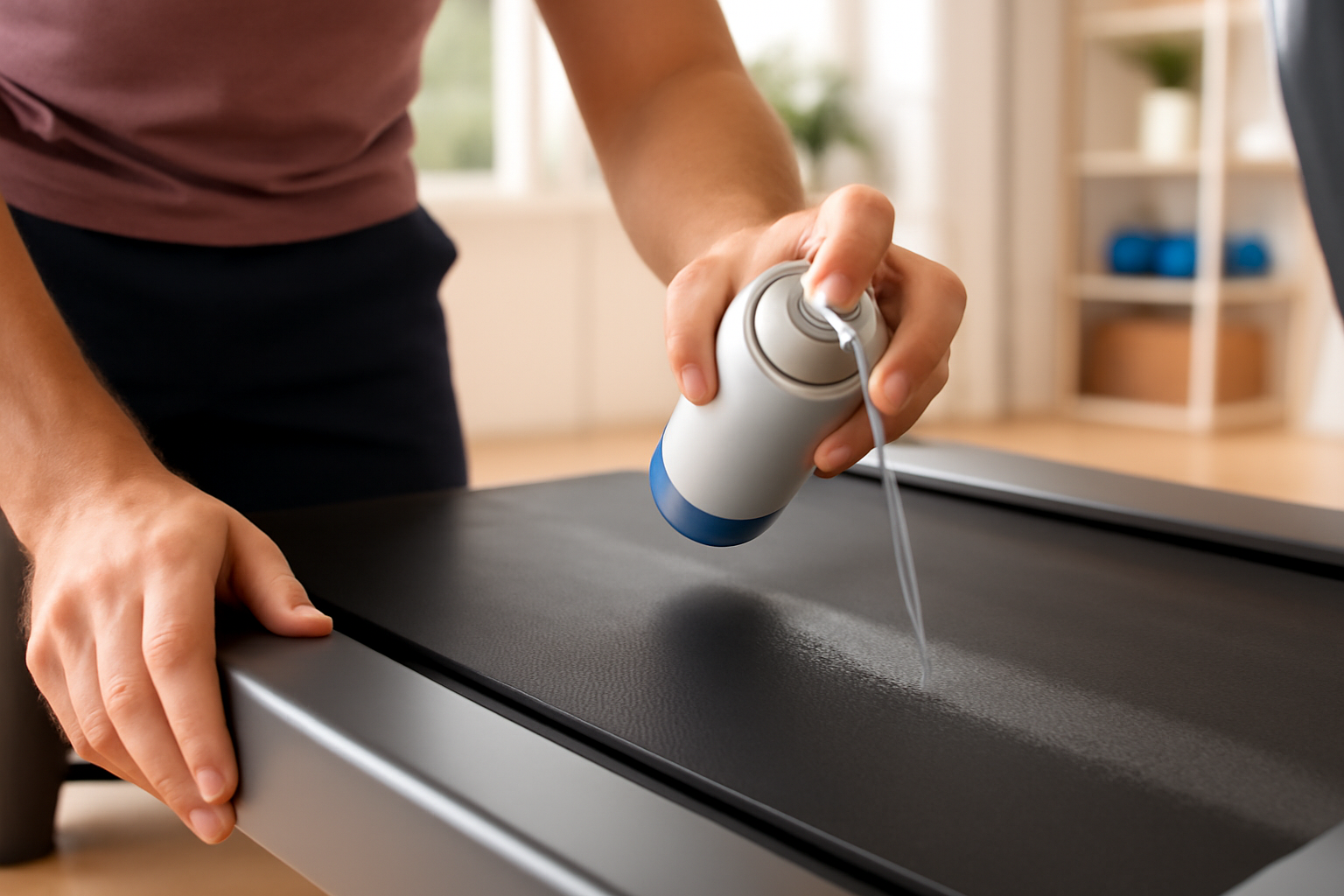
Maintaining a quiet treadmill is crucial for home gym owners who want smooth workouts without distracting noise. Over time, treadmill noise often results from friction, dust buildup, or improper belt tension. Following safe cleaning, proper lubrication, and routine checks can significantly extend your treadmill's performance and silence the creaks and squeaks.
Practical Scenario: Managing a Noisy Treadmill in Your Home Gym
Imagine your treadmill recently started making squeaking sounds during use. You work out early in the morning when the rest of the house is asleep, so noise disrupts your routine. What's the best approach to restore a quiet and smooth running machine?
Step-by-Step Quietness Restoration Checklist
- Turn off the treadmill and unplug it. Always prioritize safety before maintenance.
- Clean dust and debris: Use a dry microfiber cloth or a soft brush to gently clean around the belt edges and the deck surface under the belt. Avoid liquid cleaners on walking surfaces.
- Inspect belt tension and alignment: Refer to your treadmill manual to check if the belt is too loose or misaligned, which causes noise and wear.
- Apply manufacturer-approved silicone lubricant: Use TechMotion's Sole Treadmill Lubricant or the appropriate silicone-based lubricant specified for your treadmill model. Apply carefully under the belt as per instructions every 90 hours or quarterly. Do not lubricate the walking belt or any drive belts or brakes.
- Check for loose parts: Tighten screws and bolts around the motor cover and console to avoid rattles.
- Test run: Plug in and run the treadmill at a low speed to ensure the noise has been minimized.
Decision Guidance: Choosing the Right TechMotion Lubricant for Your Home Treadmill
For typical home gym use, selecting the right lubricant package depends on your treadmill usage frequency and quantity of equipment:
- Single Can or Double Pack - Ideal for occasional users with a single treadmill or garage door maintenance.
- 3-Pack or 4-Pack - Perfect for multi-equipment homes delivering a full year of maintenance supplies.
- 6-Pack or Full Case (24 cans) - Suited for service professionals, small studios, or heavy-use commercial environments.
- Sole Treadmill Lubricant Tubes (1 oz to 10-pack) - Best for users with Sole, Spirit, or Xterra brand treadmills requiring precise lubrication schedules, odorless and non-toxic.
Always check your treadmill manufacturer's guidance for lubrication to avoid applying lubricant on walking surfaces, drive belts, brakes, or electronics. Following these instructions protects your warranty and equipment longevity.
Summary
Keeping your home treadmill quiet and effectively running depends on regular cleaning, checking belt tension, and applying the right silicone lubricant. Choose TechMotion lubricants tailored for your use and brand, and follow manufacturer-approved maintenance tips for the best results. Visit our shop to find the perfect lubricant solution for your home gym today.