Why Your Treadmill Belt Slips: Causes, Fixes, and Prevention
A slipping treadmill belt is more than annoying — it's a safety hazard. Here are the 5 most common causes and exactly how to fix each one.
You're mid-run and suddenly the belt stutters, hesitates, or slips under your feet. Treadmill belt slippage is one of the most common — and most dangerous — treadmill problems. It can cause falls, damage your motor, and if left untreated, destroy both the belt and deck.
Here are the five main causes and how to fix each one.
Cause #1: Lack of Lubrication (Most Common)
What's Happening
When the silicone lubricant between your belt and deck dries out, friction increases dramatically. The belt grabs the deck surface instead of gliding smoothly. Under the force of your footstrike, the belt momentarily sticks and then jerks forward — that's the "slip" you feel.
The Fix
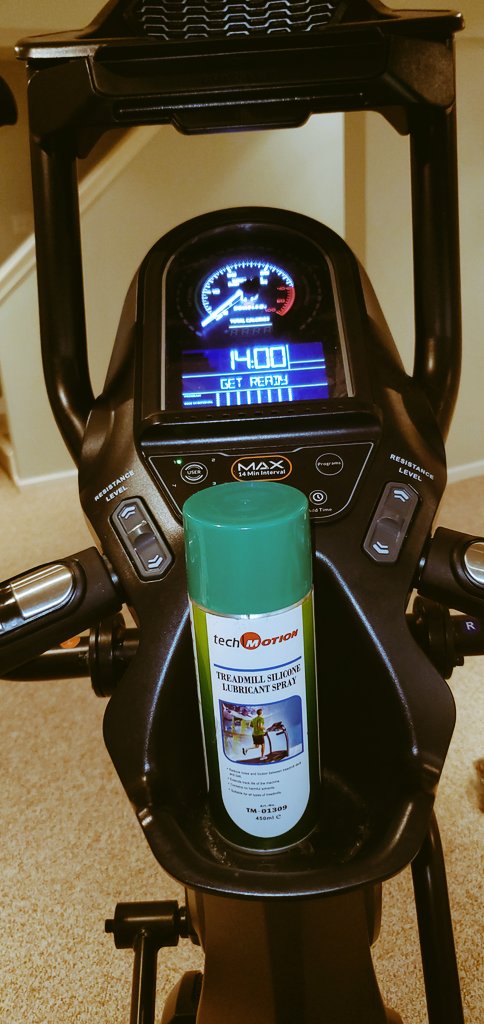
Apply TechMotion Silicone Spray or Sole Lubricant under both sides of the belt. Follow our step-by-step lubrication guide for the complete process. In most cases, lubrication resolves belt slippage within minutes.
Prevention
Maintain a regular lubrication schedule — every 40-90 hours of use depending on your model and intensity.
Cause #2: Belt Too Loose
What's Happening
Over time, treadmill belts stretch slightly from normal use. A loose belt doesn't maintain enough tension against the rollers to grip properly, especially at higher speeds or under the impact of running.
The Fix
- Locate the rear adjustment bolts at the back of your treadmill (one on each side)
- Turn each bolt 1/4 turn clockwise (always adjust both sides equally)
- Test by walking at moderate speed — the belt should feel firm underfoot
- The belt should lift 2-3 inches from the deck when pulled up at the center
- If still slipping, repeat with another 1/4 turn on each side
Prevention
Check belt tension monthly. After lubrication, always verify tension since the reduced friction can sometimes make a marginal belt feel loose.
Cause #3: Worn Drive Belt (Motor Belt)
What's Happening
Not to be confused with the walking belt — the drive belt connects the motor to the front roller. This rubber belt can wear out, stretch, or crack over time, causing it to slip on the motor pulley. You'll often hear a squealing noise from the motor area.
The Fix
Replacing the drive belt is a moderately advanced repair. If you hear a squeal from the motor compartment (not the belt surface), the drive belt likely needs replacement. Consult your manufacturer or an authorized service technician.
Cause #4: Worn Walking Belt
What's Happening
After years of use (or months without lubrication), the underside of the walking belt becomes smooth and glazed. It loses the texture that helps it grip the rollers, causing persistent slippage that no amount of tension adjustment will fix.
The Fix
If the belt's underside feels smooth and shiny — or if you see black dust on the deck — it's time for a new belt. Before installing the replacement, lubricate the deck thoroughly with silicone lubricant. Read our belt replacement vs lubrication guide to determine if your belt is past saving.
Cause #5: Excessive Weight on the Belt
What's Happening
Every treadmill has a maximum user weight rating. Exceeding this rating puts more force on the belt than the rollers can handle, causing slippage — especially at higher speeds and inclines.
The Fix
Check your treadmill's maximum weight capacity in the owner's manual. If you're near the limit, using the treadmill at a slight incline (1-2%) actually helps the belt track better. Also ensure the belt is properly tensioned and well-lubricated to maximize grip.
The Safety Issue
Never ignore a slipping belt. A sudden slip at running speed can cause serious falls and injuries. If your belt slips even once during a run:
- Stop immediately and reduce speed to a walk
- Check and apply lubricant — TechMotion Silicone Spray is the fastest option
- Adjust belt tension
- Test at walking speed before resuming running
Prevention is always better than reaction. Keep your belt lubricated, properly tensioned, and clean — and it will grip reliably for years. Browse our lubricant options to find the right product for your treadmill.
Want to understand the full range of maintenance tasks that keep your treadmill running safely? Check our home gym maintenance checklist. If dirt buildup is contributing to your slippage issues, our dirt prevention guide explains how debris accelerates belt wear. And discover the 7 benefits of regular treadmill lubrication that go far beyond preventing slips.
Frequently Asked Questions
Q: Why does my treadmill belt slip when I run but not when I walk?
Running generates much greater downward and backward force on the belt than walking. If the belt is marginally lubricated or slightly loose, walking may not produce enough force to cause slippage, but the higher impact of running exceeds the belt's grip threshold.
Q: Can over-lubricating cause a treadmill belt to slip?
Yes. Excess silicone lubricant reduces the friction between the belt and rollers, causing the belt to slide instead of gripping. If you over-lubricate, wipe the excess from the deck and belt edges, then run the treadmill empty for 5-10 minutes to redistribute.
Q: How tight should a treadmill belt be to prevent slipping?
The belt should lift 2-3 inches from the deck when pulled up at the center point. If it lifts more, tighten the rear adjustment bolts 1/4 turn clockwise on each side. Always adjust both sides equally to maintain proper tracking.
Q: Is a slipping treadmill belt dangerous to use?
Yes. A slipping belt can cause sudden falls, especially at running speeds. It also overworks the motor, leading to overheating and potential electrical failure. Stop using the treadmill immediately, apply lubricant, adjust tension, and test at walking speed before resuming.